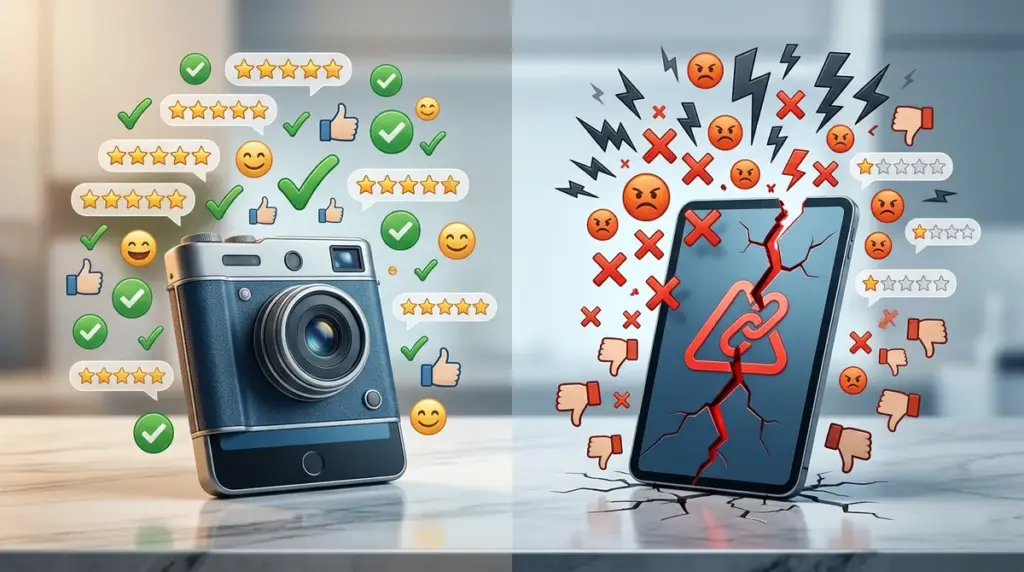
A software update is a high-stakes gamble with your brand equity. While product teams focus on "velocity" and "innovation," users focus on muscle memory and utility. When an update disrupts that utility, the fallout is rarely contained within internal support tickets. It spills over into public review platforms, creating a documented record of dissatisfaction that can suppress conversion rates for months. Understanding the specific patterns of update backlash allows marketers and product owners to distinguish between temporary "change resistance" and fundamental product failures.
The Anatomy of the One-Star Spike
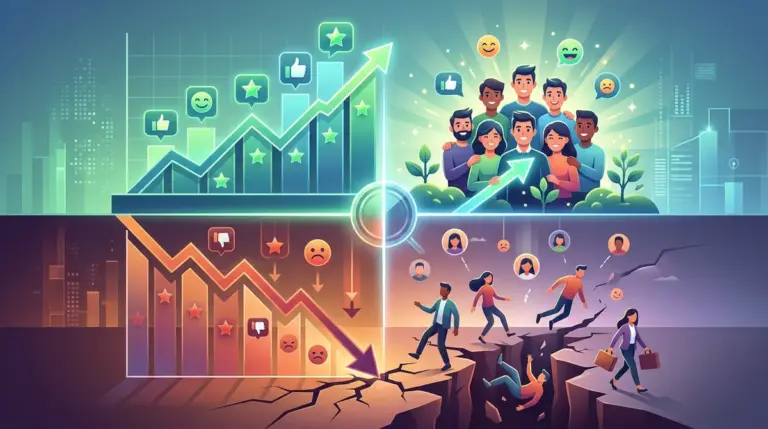
Update backlash follows a predictable trajectory. Within 48 hours of a rollout, review aggregates typically see a sharp increase in one-star ratings. These are not usually nuanced critiques; they are emotional responses to friction. The primary driver is the "loss of workflow." If a user previously required three clicks to export a report and the new UI requires five, that 66% increase in effort is perceived as a direct theft of their time. This focus on friction over core features highlights a common pattern in how users perceive software changes.
Monitoring these reviews requires looking for specific linguistic markers. Terms like "unusable," "broken," and "downgrade" indicate a failure in the core value proposition. If the reviews mention "clunky" or "slow," the issue is likely performance-related rather than a design choice. Tracking the velocity of these negative reviews against your historical baseline is the only way to determine if you are facing a vocal minority or a systemic churn event.
UI Friction and the Muscle Memory Tax
Designers often prioritize aesthetics over familiarity. When a navigation menu moves from the top to the left sidebar, every power user is suddenly a novice again. This cognitive load triggers resentment. Reviewers will often cite "bad UX" as a catch-all term, but the specific grievance is the destruction of their established habits. For high-frequency tools like CRM or project management software, even minor layout shifts can lead to a measurable drop in App Store or G2 ratings.
Feature Sunsetting and the Bait-and-Switch Narrative
Nothing triggers a review crisis faster than the removal of a legacy feature. Product managers often "sunset" features that have low overall usage to reduce technical debt. However, the users who do use those features are often your most loyal—and most vocal—advocates. When a feature disappears, the narrative in the reviews shifts from "this tool is helpful" to "this company doesn't care about its customers."
- The "Pro" User Exit: Long-term users who feel betrayed will write long, detailed reviews explaining exactly what was lost, which carries more weight with prospective buyers than a generic positive review.
- Price-Value Disconnect: If a feature is moved to a higher-tier plan or removed entirely while the price remains the same, reviewers will label the update as a "money grab."
- Integration Breakage: Updates that break third-party API connections or exports result in immediate, high-severity reviews because they disrupt the user's entire tech stack.
Pro Tip: Before sunsetting any feature, run a segmented email campaign targeting only the active users of that specific tool. Offering them an alternative or a "legacy access" period can prevent them from venting their frustration on public review boards.
Performance Degradation and Technical Debt
Modern updates often come with "feature bloat." While the new capabilities might look good on a marketing landing page, they frequently come at the cost of speed. In the world of SaaS and mobile apps, speed is a feature. If an update increases the Initial Input Delay (IID) or extends the splash screen duration, users will perceive the entire product as "buggy," even if it is technically stable.
Reviewers are surprisingly sensitive to latency. A 200ms delay in button response can be the difference between a four-star "good tool" and a two-star "frustrating experience." When analyzing backlash, look for mentions of "lag," "freezing," or "crashing." These are objective technical failures that require immediate patches, not marketing spin.
The "New Version" vs. "Classic" Comparison
Once an update is widely panned, users will begin to nostalgically reference the previous version. You will see phrases like "Bring back the old version" or "I wish I hadn't updated." This creates a significant hurdle for new user acquisition. Prospective customers see that the current iteration of the product is viewed as inferior to its predecessor, which signals that the company is moving in the wrong direction. This "regression" narrative is difficult to overwrite without a significant pivot or a highly publicized "fix-it" update.
Quantifying the Commercial Impact of Backlash
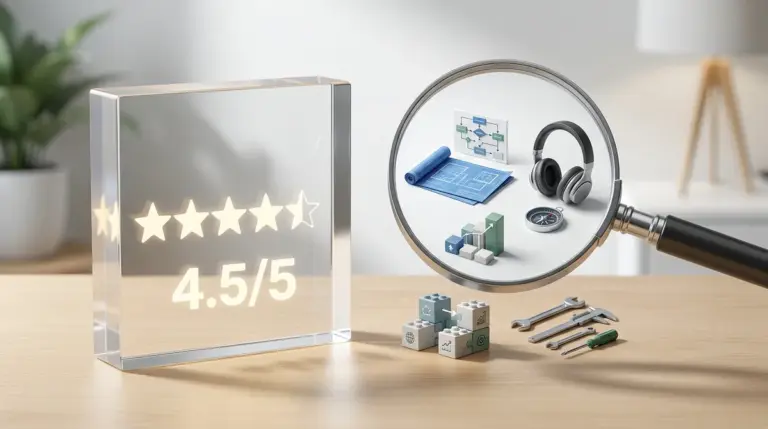
The cost of update backlash is not just a lower star rating; it is a direct hit to the Customer Acquisition Cost (CAC) and Lifetime Value (LTV). When your average rating drops from 4.5 to 3.8 due to a botched rollout, your cost per click on paid search often increases because your "trust signal" is weakened. Furthermore, the churn rate among existing users who feel alienated by the update can lead to a sudden dip in Monthly Recurring Revenue (MRR).
To quantify this, compare your conversion rate from review sites to your demo page before and after the update. A 10% drop in star rating often correlates with a 15-20% drop in referral traffic conversion. This is the "hidden" cost of a poorly managed product launch.
Mitigating Damage Post-Rollout
If the reviews are already trending downward, the window for a quiet fix has closed. You must move into active reputation management. This does not mean arguing with reviewers; it means acknowledging the specific friction points they have identified. If 50 reviews complain about the new navigation, a public statement acknowledging the feedback and providing a timeline for a "compact mode" or "classic layout" option can halt the slide.
Transparency is the only effective counter to update backlash. Users are generally forgiving of bugs if they feel heard. They are rarely forgiving of perceived arrogance or silence from the development team. Responding to reviews with specific technical updates—rather than canned "we value your feedback" templates—shows that the feedback loop is functional. This can often turn a one-star "backlash" review into a four-star "they listened to me" review over time. This demonstrates the importance of addressing user concerns, as how bugs impact user trust can significantly alter review sentiment.
Strategic Review Monitoring FAQ
How long does update backlash typically last?
For UI changes, the "shock" period usually lasts 3 to 4 weeks as users adapt. For performance issues or removed features, the negative sentiment will persist until the technical issue is resolved or the feature is replaced.
Should we delete negative reviews about a specific version?
No. Most platforms prohibit this, and it destroys brand trust. Instead, reply to the reviews stating that a patch has been released. Many platforms allow users to update their ratings, and a "Problem Solved" response is a strong conversion signal for new buyers.
What is the most common trigger for a review tanking?
Unexpected changes to the core workflow. If a user’s primary daily task becomes harder or slower, they will leave a negative review regardless of how many "cool" new secondary features you added.
How do we distinguish between a few loud users and a general consensus?
Look at the ratio of "Helpful" votes on negative reviews. If a one-star review complaining about the new layout has 50 "Helpful" clicks, you have a systemic problem, not a vocal minority.